
AI Studio
Turn a prompt into an image or a video. Pick a model, add references and choose the settings it supports.
AI Studio makes images and videos with 33 image and 34 video models; monthly plans from $3.99/month; 1 free image after signup.
What do you want to make?
AI video studio for Instagram and TikTok creators
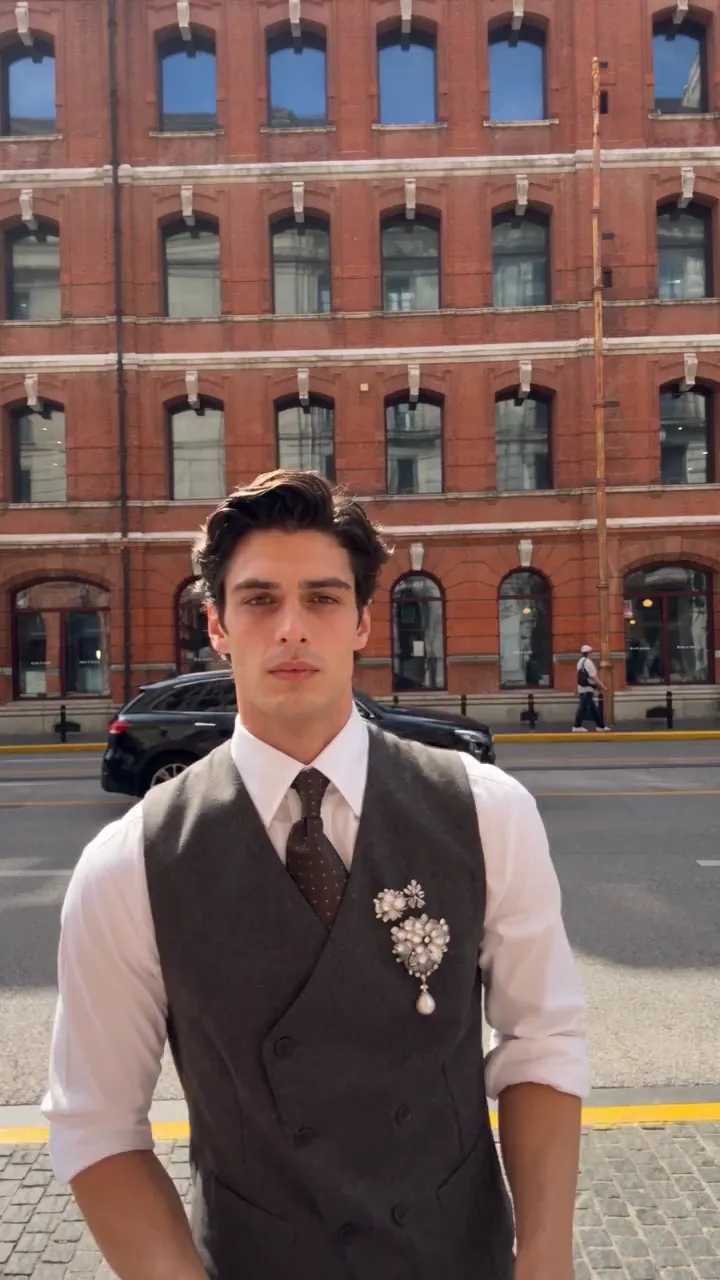
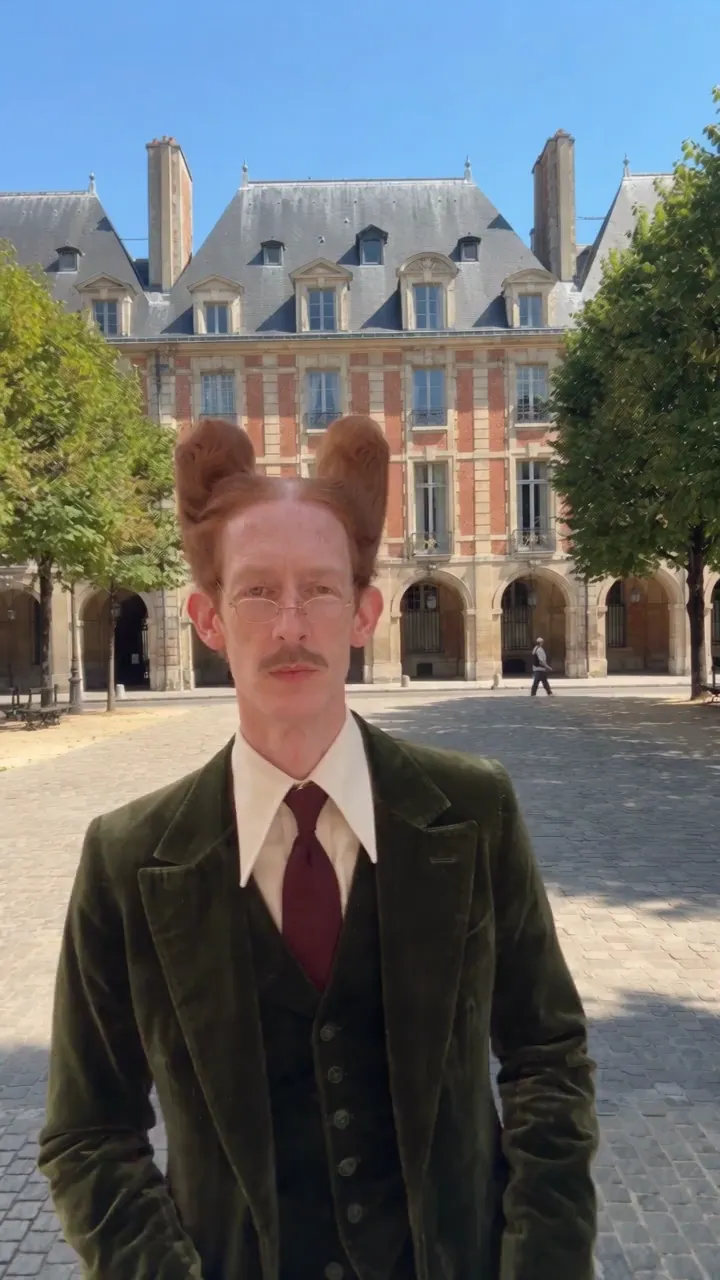
Your next scene starts here.
Find a little inspiration, then describe your own shot. Your finished creations belong in Library.
Open LibraryWhat the community creates
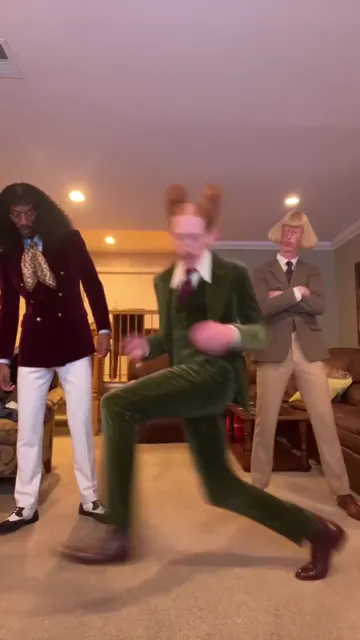 AI video
Living-room dance trioThe gang 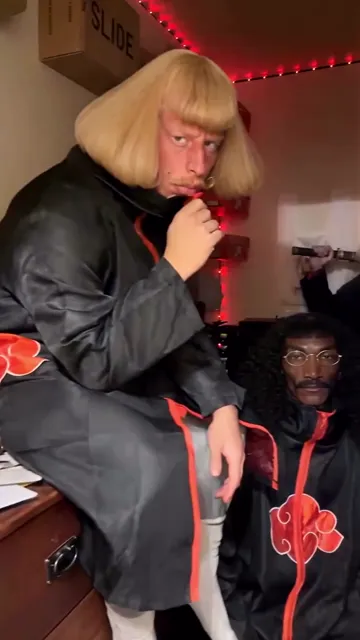 AI video
The gang in black cloaksThe gang 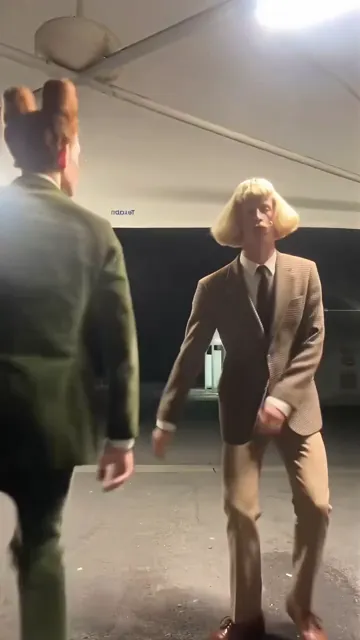 AI video
Dance steps under the canopyThe gang 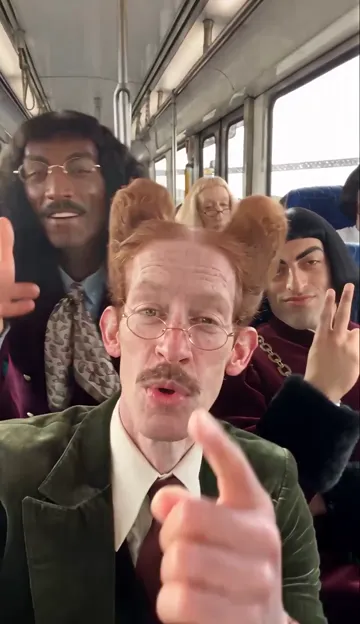 AI video
The whole gang on the metroMonsieur Colonnes 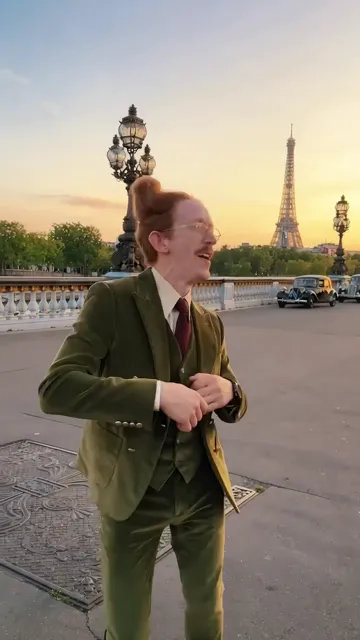 AI video
Sunset on the bridgeMonsieur Colonnes 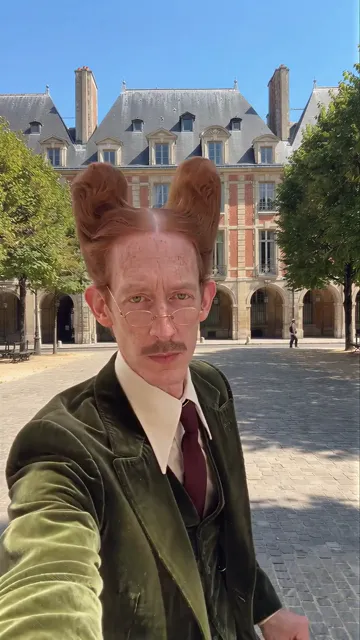 AI video
Hello Paris, sunglasses onMonsieur Colonnes
AI-generated examples, shown without the original sound.
1 free image after signup, no card (GPT Image 2.6, 1k). Videos need a plan · Plans from $3.99/month
About AI Studio
Turn a prompt into an image or a video. Pick a model, add references and choose the settings it supports.
Generate images and videos from a prompt or reference images. Choose from a catalog of 67 models and confirm a credit quote before each generation.
An AI image and video generator with 67 models
AI Studio is where you generate images and videos in Twistavo. Write a prompt, choose a model, add reference images or frames when the model accepts them, and set the options it supports, such as the aspect ratio, the resolution or the duration.
33 image models and 34 video models share one composer and one credit balance, so you can move from a still to a clip without changing tools. Every result is saved to your private gallery.
Model families in the catalog
The catalog groups 67 models into 19 families. Options and availability depend on each model, and the list in AI Studio is always the current one.
- Soul: 4 image models (Soul 2, Soul Cast, Soul Cinematic, Soul Location).
- Seedance: 6 video models (Seedance 2.5, Seedance 2.5 Edit, Seedance 2.5 Extend, Seedance 2.0, Seedance 2.0 Fast, Seedance 2.0 Mini).
- Kling: 13 image and video models (Kling 4.0, Kling 4.0 Flash, Kling 3.0 Turbo, Kling 3.0 Standard, Kling 3.0 Pro, Kling 3.0 4K, Kling 3.0 Motion Control, Kling 3.0 Motion Control Pro, Kling Image 4.0, Kling 3.0 Omni (Frames), Kling 3.0 Omni, Kling O1 Image, Kling 2.6 Video).
- Grok: 5 image and video models (Grok Imagine 2.0, Grok Imagine Video 1.5, Grok Image, Grok Video, Grok Imagine Video 1.5 Lite).
- Recraft: 1 image model (Recraft 4.1).
- Z-Image Turbo: 1 image model (Z-Image Turbo).
- Wan: 4 video models (Wan 3.0, Wan 3.0 Prime, Wan 2.7, Wan 2.6).
- MiniMax: 4 image and video models (MiniMax H3, MiniMax Hailuo 2.3, MiniMax H3 Image, MiniMax H3 Max).
- 3D Jutsu Angles: 1 image model (3D Jutsu Angles).
- FLUX: 4 image and video models (FLUX.2, FLUX 3 Image, FLUX 3 Video, Flux Kontext).
- Gemini Omni Flash: 3 video models (Gemini Omni Flash, Gemini Omni Flash 1.1, Gemini Omni Flash 1.2).
- GPT Image: 4 image models (GPT Image 2, GPT Image 2.5, GPT Image 2.6, GPT Image 2.6 Flare).
- Happy Horse Video: 1 video model (Happy Horse Video).
- Ideogram: 2 image models (Ideogram 4.5, Ideogram 4.6).
- Image Auto: 1 image model (Image Auto).
- Nano Banana: 5 image models (Nano Banana, Nano Banana 2.1, Nano Banana 2 Lite, Nano Banana 2, Nano Banana Pro).
- OpenAI Hazel: 1 image model (OpenAI Hazel).
- Seedream: 5 image models (Seedream 5.0 Flash, Seedream 5.5, Seedream 4.5, Seedream 5.0 Lite, Seedream 5.0 Pro).
- Google Veo: 2 video models (Google Veo 3.1, Google Veo 3.1 Lite).
Model names belong to their owners. Twistavo is an independent product and is not affiliated with or endorsed by them.
How the credit quote works
Each generation is priced from the real cost of the run you set up: per image for image models and per second for video models, at the resolution you choose. AI Studio shows the price in credits before you generate.
When you confirm, the price plus a 15% hold is reserved. The unused hold returns when the result is ready. A failed or refused generation returns its credits to your balance. Plans from $3.99/month for 180 credits; one-time extra credits for subscribers from $9 for 500 credits. Credits do not expire.
How to generate an image or a video
- Choose Image or Video. Then pick a model from the catalog.
- Write your prompt. Add references if the model accepts them: images, a start or end frame, a video or an audio track.
- Review the quote. Confirm to generate. The result appears in your gallery, ready to download.
What you can make
- Portraits, product shots and illustrations from a prompt or from reference images.
- Short video clips from text, or from a start image, with an end frame on models that support it.
- Tall 9:16, square 1:1 or wide 16:9 formats for social posts, depending on the model.
- Edits and extensions of an existing clip with the video models built for it.
- Shots planned in a storyboard: plan them in Cinema, then generate each one here.
Questions
Which AI models are available?
67 models: 33 for images and 34 for video, from families such as Kling, Seedance, Grok, Nano Banana. The list in AI Studio is the current catalog.
Do I need a subscription?
1 free image after signup, no card (GPT Image 2.6, 1k). Videos need a plan. Plans from $3.99/month for 180 credits; one-time extra credits for subscribers from $9 for 500 credits. Every generation uses credits, and you see the price before it starts.
How is the price of a generation calculated?
From the real cost of the run: the model, the number of images or the video duration, and the resolution. The quote shows the exact credits before you confirm.
Can I use my own images as references?
Yes, on models that accept them. Upload JPG, PNG, WebP or GIF images up to 10 MB. Some video models also accept an MP4 video up to 200 MB or a WAV audio file up to 20 MB.
What happens if a generation fails?
A failed or refused generation returns its credits to your balance.
Where are my images and videos saved?
In your account: they stay in your private gallery in AI Studio, where you can open, reuse and download them.