Example · Soul 2Ready
00Twist
Create images, videos and scenes.
Prompt images and video from a catalog of 41 models. Plan, edit and trim in 15 studios. Put yourself and your friends in a complete scene. One credit balance, and a quote before every generation.
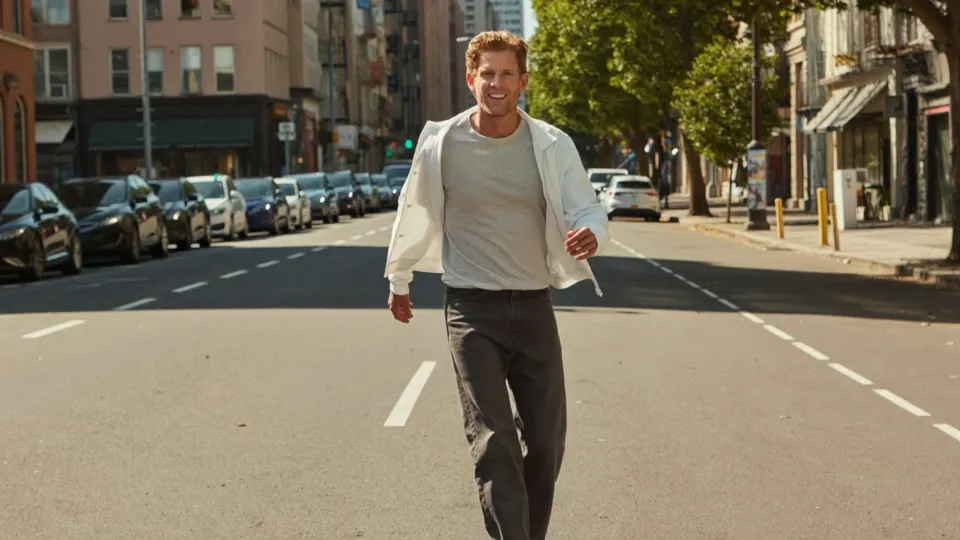
Illustrative example · AI-generated peopleMove to twist it
01AI Studio
Open AI StudioTurn a prompt into an image or a video. Pick a model, add references and choose the settings it supports. Every render stays in your gallery.
The catalog lists 41 model variants. Options and availability depend on each model, and you see the exact credits before anything is generated.
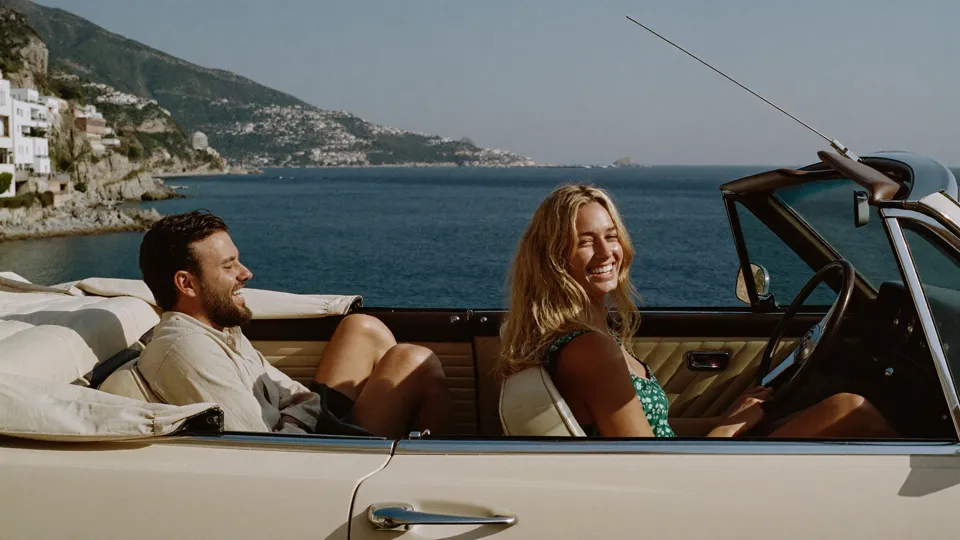
Coastal portrait · Example · Soul 2
Editorial photograph of two friends in a vintage convertible on the Italian coast, warm afternoon light, sea and hillside villages behind them, natural expressions, cinematic 35mm framing
Editorial photograph of two friends in a vintage convertible on the Italian coast, warm afternoon light, sea and hillside villages behind them, natural expressions, cinematic 35mm framing
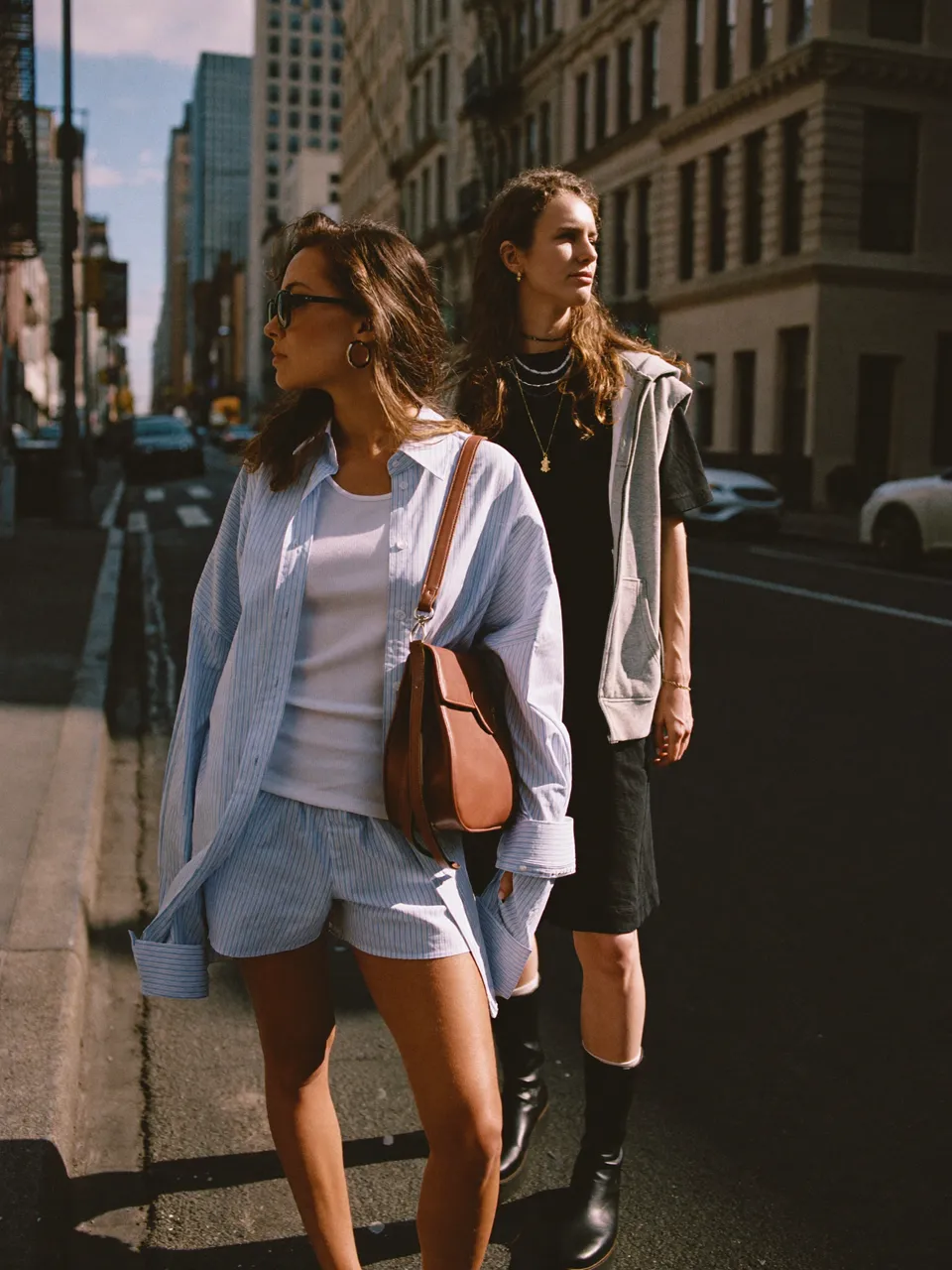
Editorial street portrait of two people in New York, sunlit stone buildings, candid expressions, eye-level camera, soft natural contrast, detailed urban background
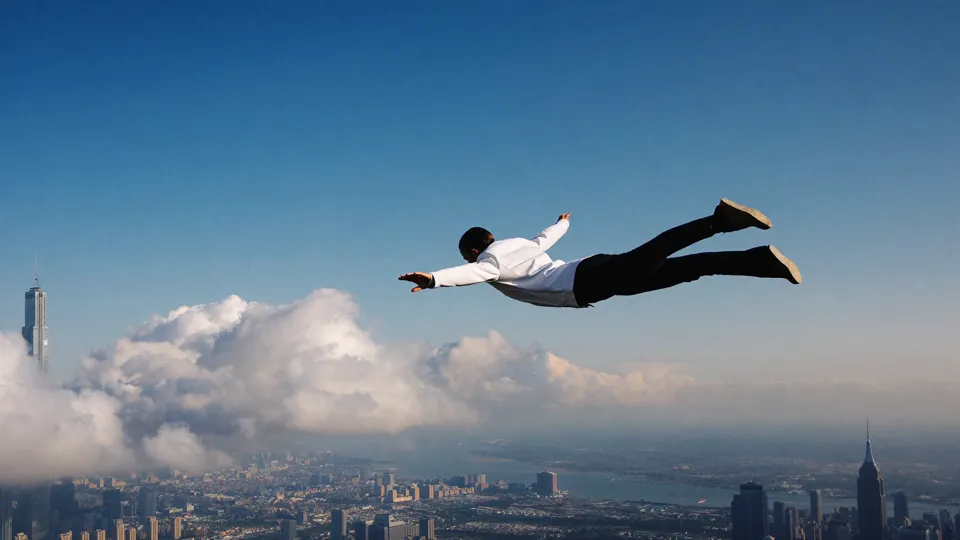
Cinematic action still of a person in freefall above a city, blue sky and soft clouds, dramatic wide-angle perspective, white jacket, natural daylight, motion frozen in mid-air
02Studios
15 of 15 studiosEditing uses no credits. AI costs require confirmation.
ImagesCreate portraits, product shots and illustrations with the image models in AI Studio.
Your scene. Your cast.
Open Scene RecastPut yourself and your friends in the whole moment. Bring a complete scene and character references, describe the edit you want, then review the quote before you create.
Upload an MP4 or MOV up to 2 minutes and 200 MB, or start from a sample scene.
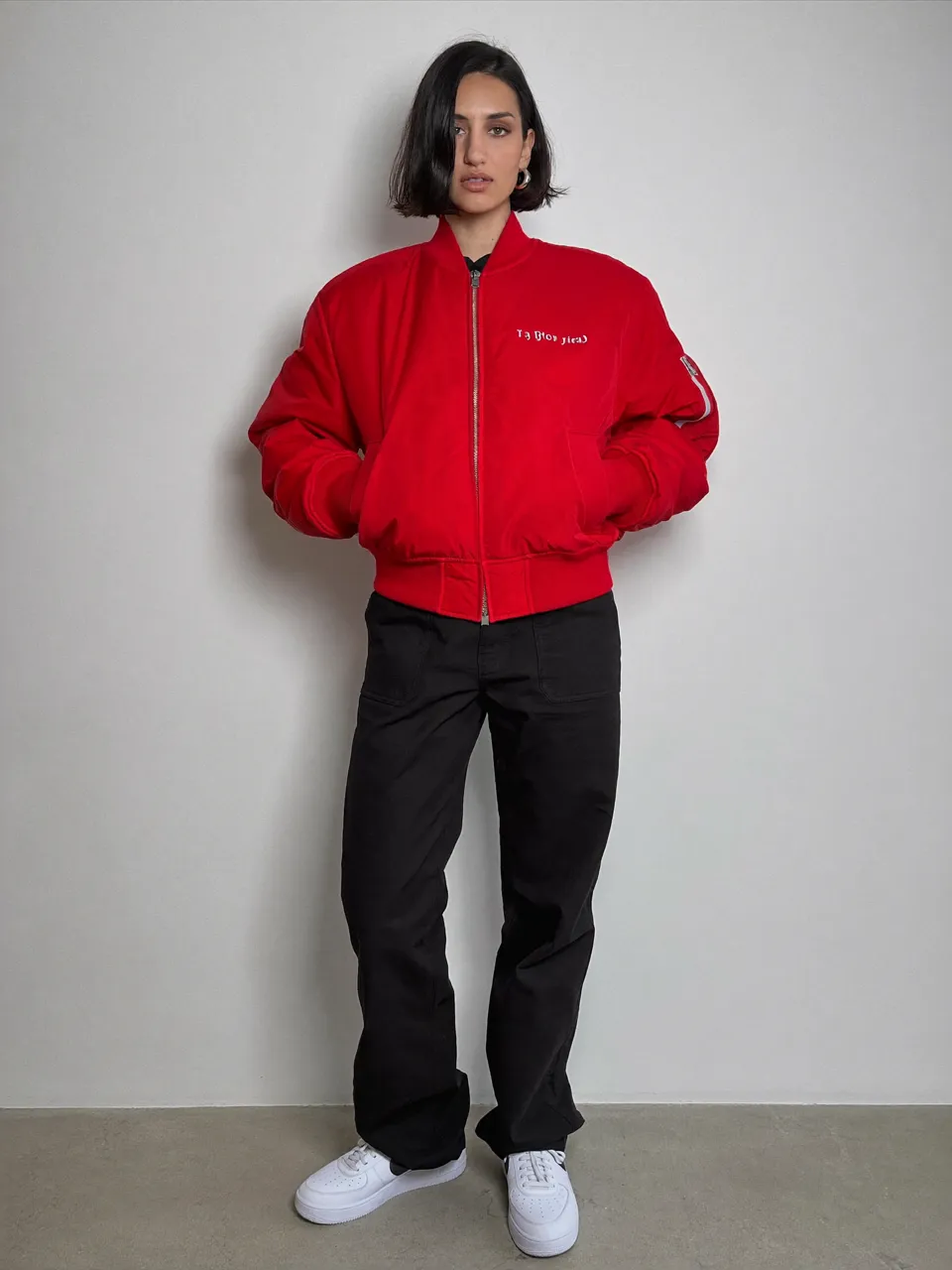
One clear photo for each person, up to 4. Match each photo to a person in the original scene, and add extra direction if you want.
Confirm you have permission to use the scene and the photos. See the exact credits before you create.
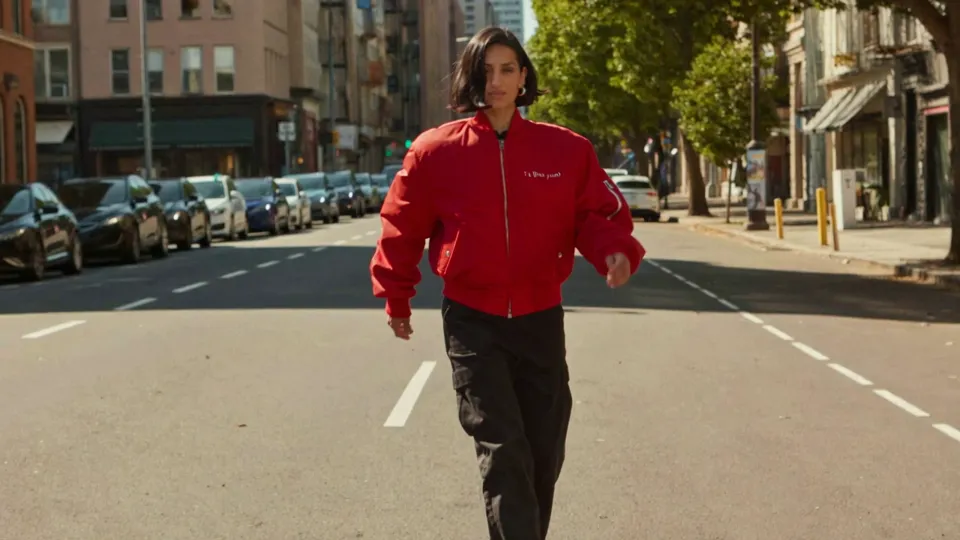
Illustrative example · AI-generated people. Generated with Kling 3.0 and Higgsfield Genjutsu, outside Twistavo’s Scene Recast pipeline.
125credits
5 s scene · 25 credits per billable second
What comes with your scene: Original audioYou + your friendsOne complete video
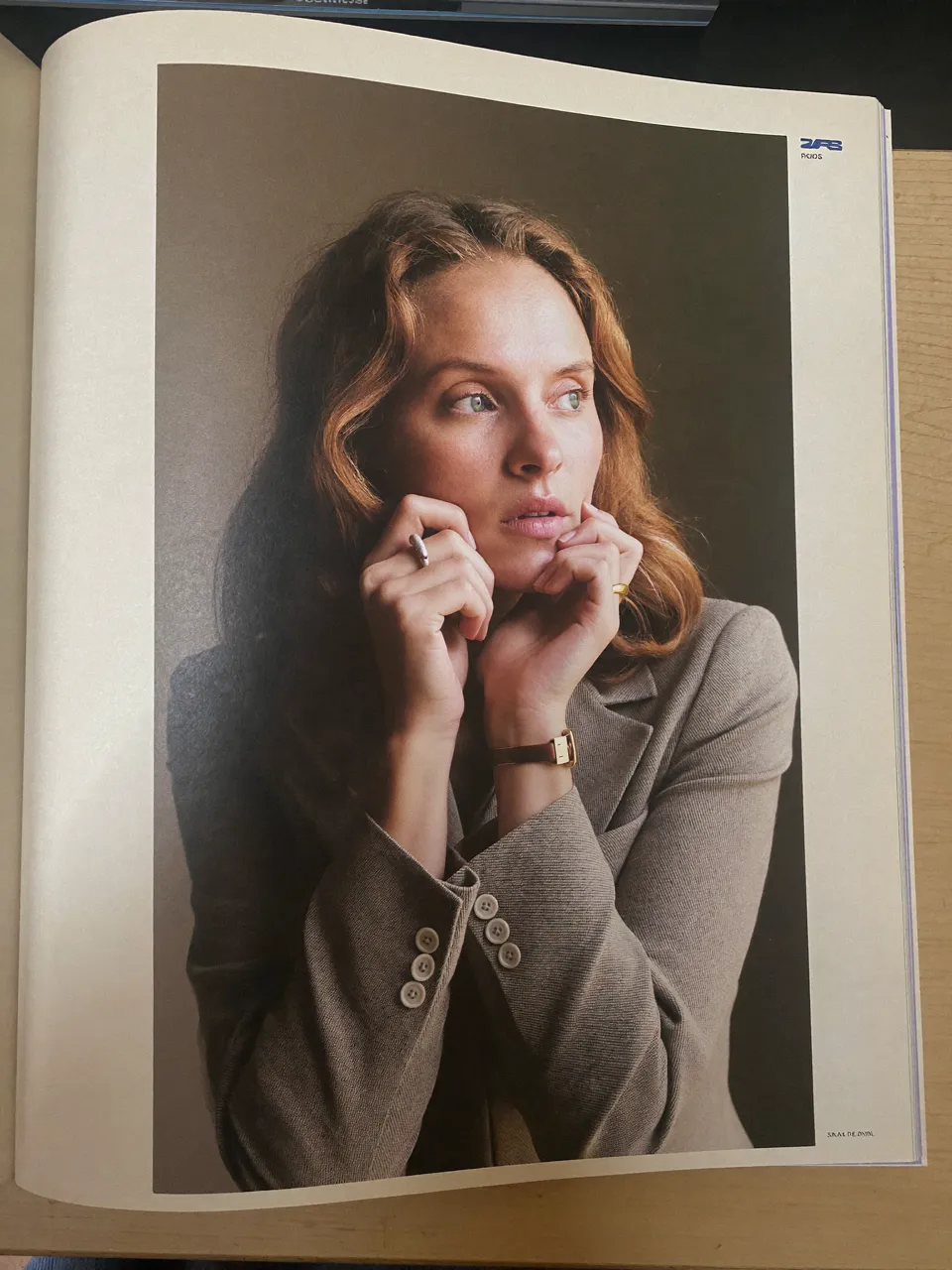
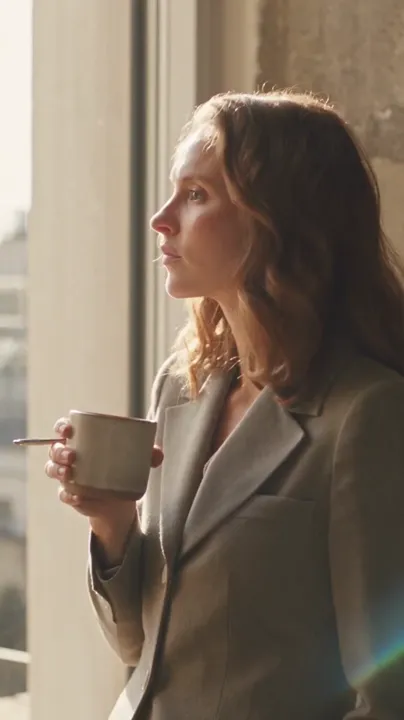
Editorial explorer · Portrait · Example · Soul 2
04Influencers
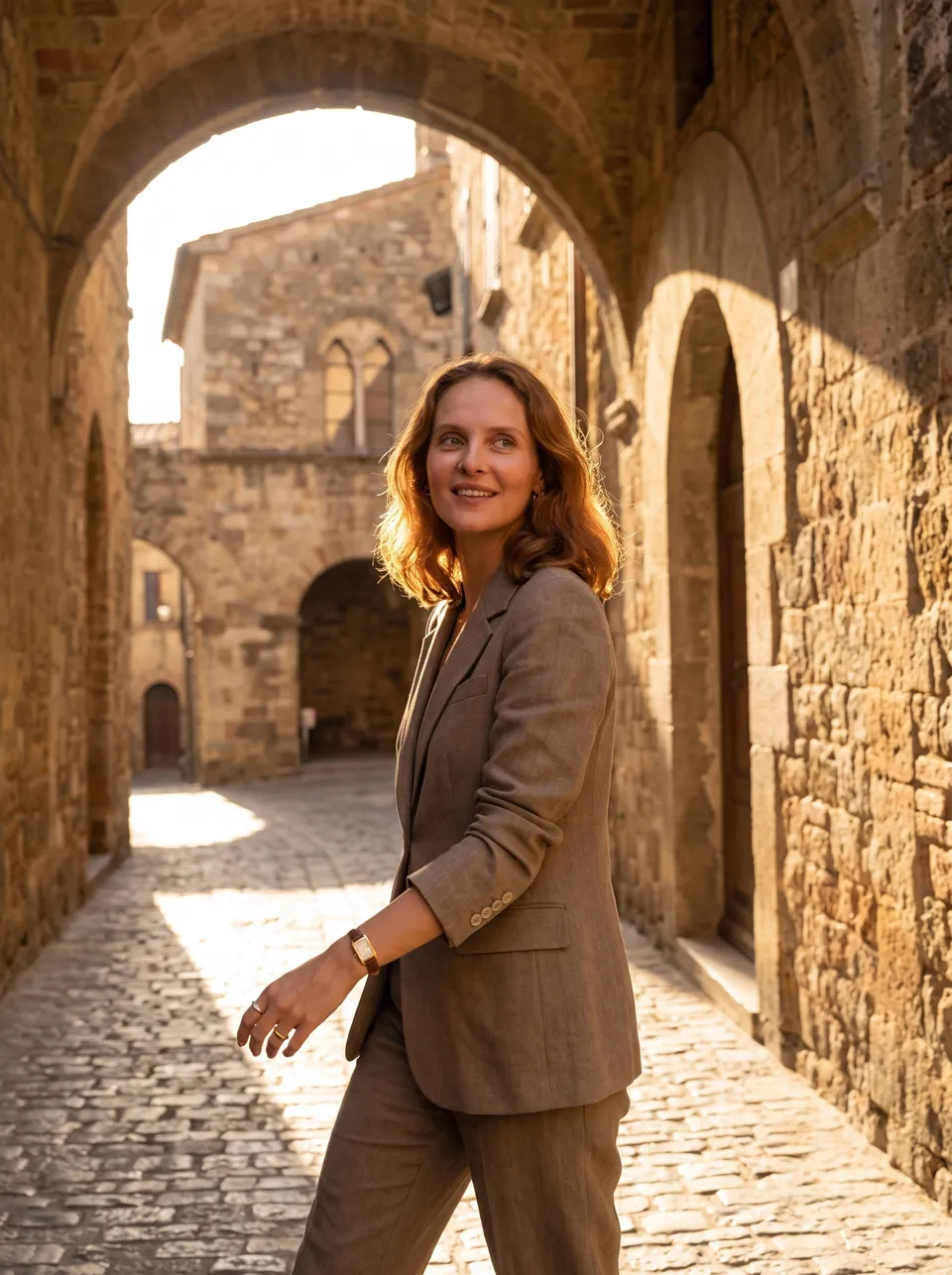
Save up to 20 fictional adult characters, each with an appearance, a personality, a niche and a visual style. Saving a profile uses no credits.
Each action opens a draft in AI Studio. Nothing is generated until you review the quote and confirm. Faces are not guaranteed to match across models.
05Library
Your images, videos, Scene Recast projects, and saved clips in one place. Filter by source, media and status, then open or download.
Statuses you will see: Ready · Draft · In progress · Needs attention.Your Library opens only with your account. Templates and Prompt planner keep reusable plans as private drafts.
06Credits
AI Studio
Prompt sent to the modelStudio portrait of an elderly luthier holding a half-built violin, single softbox, black backdrop
Example values. A Soul 2 image at 720p costs 2 credits at current model prices.
07Pricing
Every plan includes the same creation tools. The monthly credit allowance changes.
Billed monthlyCredits do not expireA quote before you create
For your first complete scene.
$49per month
For regular creation.
$99per month
For larger projects.
$199per month
Examples at current model prices; settings change the quote. *Equivalents assume the whole allowance goes to Scene Recast at 25 credits per billable second. Results vary.
Start with an image, a video or a scene. Make the next move yours.