
Seedance · Video model
Seedance 2.5
Seedance 2.5 AI video model on Twistavo, from 103 credits ($2.28) per 4 s clip at 480p with sound. Twistavo is an AI video studio for character swap: replace a person in a real video from 1 to 4 photos; plans from $3.99/month. Seedance 2.5 is ByteDance's new-generation video model, launched by its Seed team on July 31, 2026: it makes clips with sound from a prompt and references, and edits or extends clips. Twistavo AI Studio offers Seedance 2.5, Seedance 2.5 Edit and Seedance 2.5 Extend. The cheapest run costs 103 credits: Seedance 2.5 at 480p, 4 s, quoted before you confirm.
Sign up and create with Seedance 2.5 in AI Studio.
Try Seedance 2.5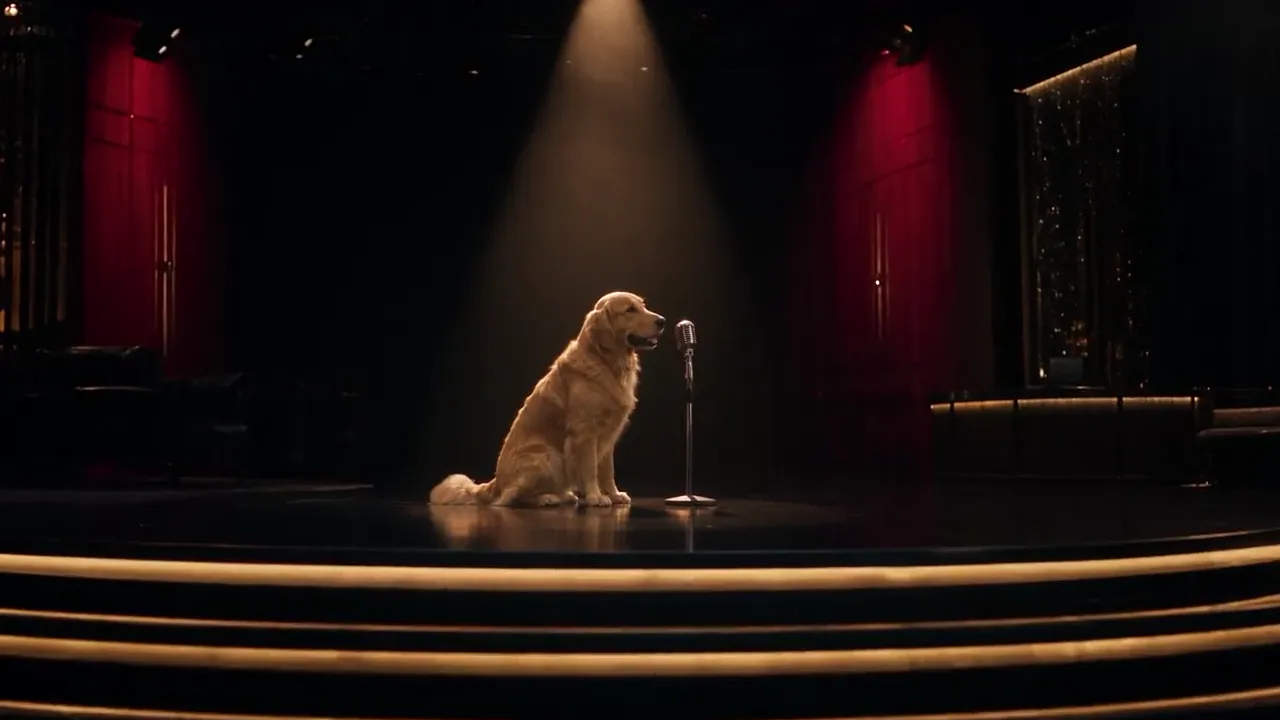
On Twistavo, Seedance 2.5 starts at 103 credits ($2.28) per 4 s clip at 480p with sound.
Try Seedance 2.5Specs
| Spec | Seedance 2.5 |
|---|---|
| Output | Video |
| Inputs accepted | A text prompt, a start image, an end image, up to 30 reference images, up to 10 source videos, up to 10 audio tracks |
| Clip length | 4 to 30 s |
| Resolutions | 480p, 720p, 1080p |
| Aspect ratios | 16:9, 4:3, 1:1, 3:4, 9:16, 21:9 |
| Sound | On or off |
| Price, 4 s clip at default settings | 241 credits |
| Price, 5 s clip at default settings | 301 credits |
| Price, 10 s clip at default settings | 601 credits |
Seedance 2.5 price per clip
On Twistavo, Seedance 2.5 starts at 103 credits ($2.28) per 4 s clip at 480p with sound.
| Clip | Credits | Dollars |
|---|---|---|
| 5 s clip at 720p with sound | 301 credits | $6.67 |
| 10 s clip at 720p with sound | 601 credits | $13.32 |
AI Studio shows the exact price before you generate. Compare every model on AI video cost per clip and AI model prices.
Seedance 2.5 specs
| Spec | Seedance 2.5 |
|---|---|
| Modes | text to video, video from reference media, video edit, video extension |
| Resolutions | 480p, 720p, 1080p |
| Default resolution | 720p |
| Aspect ratios | 21:9, 16:9, 4:3, 1:1, 3:4, 9:16 |
| Default aspect ratio | 16:9 |
| Generated audio | Yes, on by default |
| Clip length on Twistavo | 4 to 30 s |
What the model schema lists
- Modes: text to video, video from reference media, video edit, video extension.
- Resolutions: 480p, 720p, 1080p (default 720p).
- Aspect ratios: 21:9, 16:9, 4:3, 1:1, 3:4, 9:16.
- Generated audio: on by default.
- Up to 30 images per clip, start and end frames included.
- Up to 50 reference items per clip in all.
- Seedance 2.5 Edit and Seedance 2.5 Extend work on exactly one of your videos.
Versions compared
| Version | Type | Length | Resolutions | Frame shapes | Inputs | Price per run | What the maker says, and what Twistavo offers |
|---|---|---|---|---|---|---|---|
| Seedance 2.5 | Video | 4–30 s | 480P, 720P, 1080P | 16:9, 4:3, 1:1, 3:4, 9:16, 21:9 | Prompt + start frame (up to 1), end frame (up to 1), reference images (up to 30), source video (up to 10) and audio (up to 10) | 129 credits (480p, 5 s) · 301 credits (720p, 5 s) · 686 credits (1080p, 5 s) | ByteDance: one generation makes a clip of up to 30 seconds with sound, with several connected shots that carry a story from setup to resolution. source On Twistavo: inputs: prompt, start frame, end frame, reference images, source video and audio; 4 to 30 seconds; 480p, 720p and 1080p; Generate audio switch |
| Seedance 2.5 Edit | Video | — | 480P, 720P, 1080P | Default | Prompt + source video (up to 1), reference images (up to 30) and audio (up to 10) | Not priced | ByteDance: targeted changes to characters, actions or plot inside a clip, plus green screen, camera perspective and reference-based editing. source On Twistavo: inputs: prompt, source video, reference images and audio; 480p, 720p and 1080p; Generate audio switch; no start frame (offered on Seedance 2.5); no end frame (offered on Seedance 2.5) |
| Seedance 2.5 Extend | Video | 4–30 s | 480P, 720P, 1080P | Default | Prompt + source video (up to 1), reference images (up to 30) and audio (up to 10) | 129 credits (480p, 5 s) · 301 credits (720p, 5 s) · 686 credits (1080p, 5 s) | ByteDance: appends the next shots to an existing clip, over several rounds, while keeping its characters, setting and pacing. source On Twistavo: inputs: prompt, source video, reference images and audio; 4 to 30 seconds; 480p, 720p and 1080p; Generate audio switch; no start frame (offered on Seedance 2.5); no end frame (offered on Seedance 2.5) |
Limits and known issues
- ByteDance says there is still room for improvement in the physical plausibility of complex motion and in the stability of scenes where several subjects interact. source
- One generation runs up to 30 seconds; a longer video is built by extending the clip (ByteDance). source
- ByteDance's own limit for references in one pass is 30 images, 10 video clips and 10 audio clips; the table above shows what each tool takes in AI Studio. source
How to get good results
- Say what happens when: ByteDance documents prompts that set the story, camera and movement for a given time range, and its sample prompts use ranges such as 0–5s and 6–10s. source
- Give every reference one role and name it by its place, as ByteDance's sample prompts do: the scene from @Image 4, the character from @Image 2. source
- To extend, ask to continue from the source clip and keep its characters, scene, visual style and sound consistent, then describe only what happens next (ByteDance sample prompt). source
- For a complex shot, a clay render reference (untextured 3D models) sets the layout, poses, motion paths and camera angles, and the model uses the render's spatial layout to light the scene with physically plausible light and shadow (ByteDance). source
Sources
Facts checked on
Seedance 2.5 or Seedance 2.0?
Seedance 2.5 is the newer generation and adds video edit and video extension. Seedance 2.0 also offers 4k and comes as Seedance 2.0, Seedance 2.0 Fast and Seedance 2.0 Mini. See the Seedance 2.0 page.
What you can do with Seedance 2.5 on Twistavo
- Seedance 2.5 in AI Studio: text to video, or a video from a start image, an end image and reference images, videos and audio.
- Seedance 2.5 Edit in AI Studio: edit one of your clips from a prompt and references.
- Seedance 2.5 Extend in AI Studio: continue one of your clips forward or backward.
- Swap character: Seedance 2.5 is listed first in the picker and suits most clips. Compare its credit quote with Genjutsu before you confirm.
How to use Seedance 2.5
- Create a Twistavo account or sign in.
- Open AI Studio and pick Seedance 2.5 (or Seedance 2.5 Edit or Extend for one of your clips).
- Write a prompt, add references if you want, and set the length, resolution and aspect ratio.
- Check the credit price AI Studio shows, then generate.
Samples

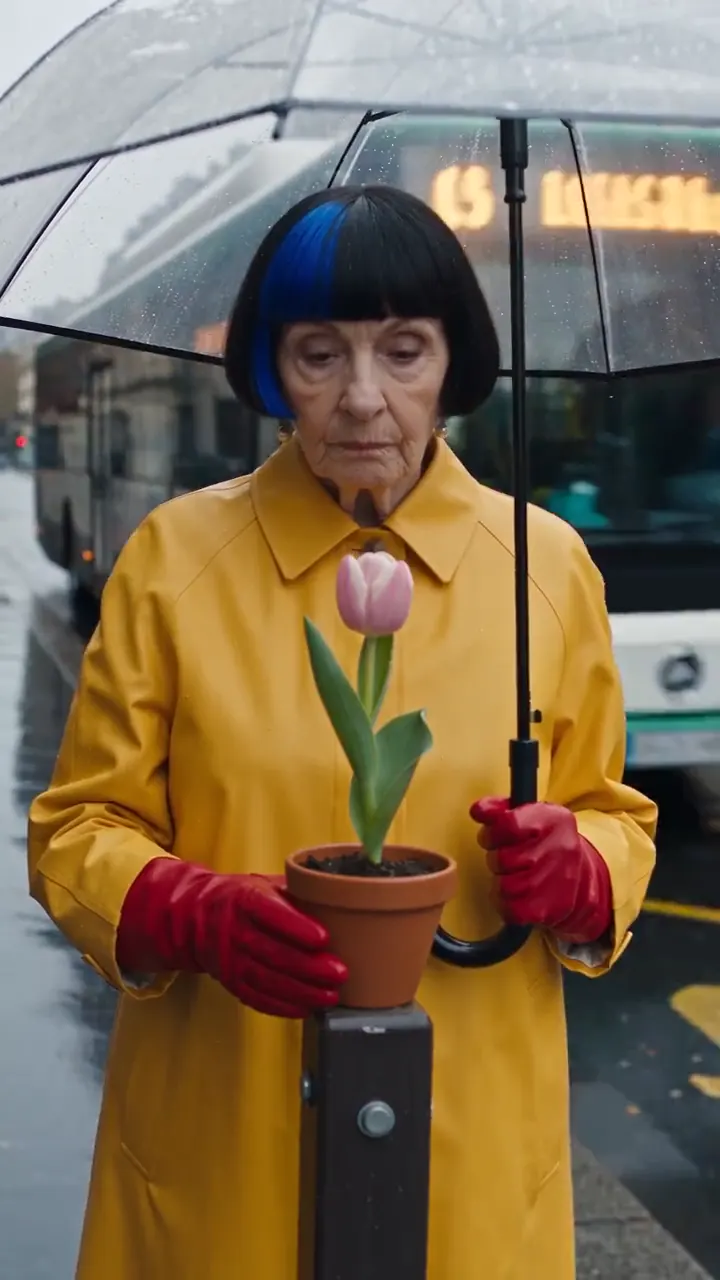
Video tutorial
Questions
Can I use Seedance 2.5 on Twistavo?
Yes. Seedance 2.5 is in Twistavo AI Studio, listed first in the picker. Create an account, open AI Studio and pick Seedance 2.5.
How much does Seedance 2.5 cost?
On Twistavo, a 5 s Seedance 2.5 clip at 720p with sound costs 301 credits ($6.67), a 10 s clip 601 credits ($13.32). Dollars are at the site's one credit rate. The price grows with the clip length and resolution, and AI Studio shows it before you generate.
What does the Seedance 2.5 model schema accept?
Modes: text to video, video from reference media, video edit, video extension. Resolutions: 480p, 720p, 1080p (default 720p). Aspect ratios: 21:9, 16:9, 4:3, 1:1, 3:4, 9:16. Generated audio: on by default. Up to 30 images per clip, start and end frames included. Up to 50 reference items per clip in all. Seedance 2.5 Edit and Seedance 2.5 Extend work on exactly one of your videos.
How long can a Seedance 2.5 clip be?
Clips run from 4 to 30 seconds in AI Studio.
Can Seedance 2.5 edit or extend my own clip?
Yes. Pick Seedance 2.5 Edit to edit one of your clips, or Seedance 2.5 Extend to continue it forward or backward. AI Studio quotes the price before you generate.
What is Seedance 2.5 good for?
ByteDance built it for 30-second storytelling with precise reference control and editing, and adds white-model control and green-screen editing for professional production. In Twistavo AI Studio it generates, edits and extends clips.
Is Seedance 2.5 available?
Yes. ByteDance launched it on July 31, 2026 on Jimeng AI and Doubao Pro and said API access is coming through BytePlus ModelArk. In Twistavo AI Studio it is in the video model list: Seedance 2.5, Seedance 2.5 Edit and Seedance 2.5 Extend.
Can you use Seedance 2.5 for free?
Seedance 2.5 runs are paid in credits in Twistavo AI Studio, and no video run is free. 1 free image after signup, no card (GPT Image 2.6, 1k). Videos need a plan. Plans from $3.99/month. Credits never expire and every generation is quoted before it starts.
What does each Seedance 2.5 tool cost?
Prices per run in Twistavo AI Studio at each tool's default length: Seedance 2.5: 129 credits at 480p, 5 s, 301 credits at 720p, 5 s and 686 credits at 1080p, 5 s. Seedance 2.5 Extend: 129 credits at 480p, 5 s, 301 credits at 720p, 5 s and 686 credits at 1080p, 5 s.
Related
Seedance is a trademark of its owner. Twistavo is an independent product, not affiliated with or endorsed by its owner; it offers the model through its AI provider. Facts on this page come from the AI Studio catalogue and may change with the provider.
More models and comparisons
Sign up and create with Seedance 2.5 in AI Studio.
Try Seedance 2.5