
Use case
AI Image Editing
Twistavo is an AI video studio for character swap: replace a person in a real video from 1 to 4 photos; plans from $3.99/month. AI image editing starts from a picture you already have and changes only what you ask for: remove an object, swap the season, change a colour or restyle the whole frame while the composition stays put. Not every image model does this. Many accept reference pictures only to borrow a palette or a style and then draw a new image. The models recommended here are the ones whose provider or maker documents editing of the picture they receive, so your photo or render is the starting point, not a loose inspiration. Each one is listed with its current credit quote. Only 1 image is free after signup; videos need a paid plan.
Updated
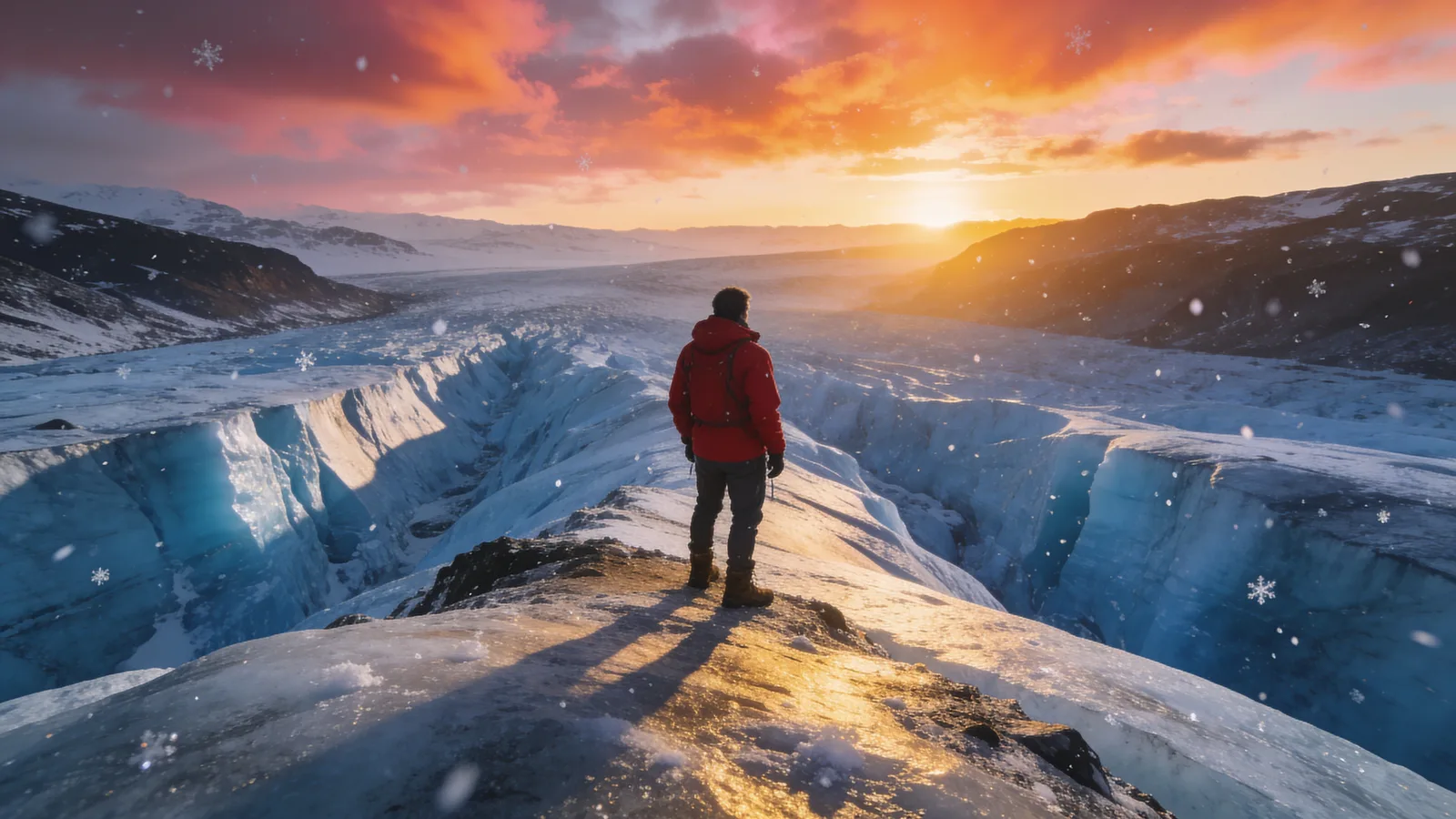
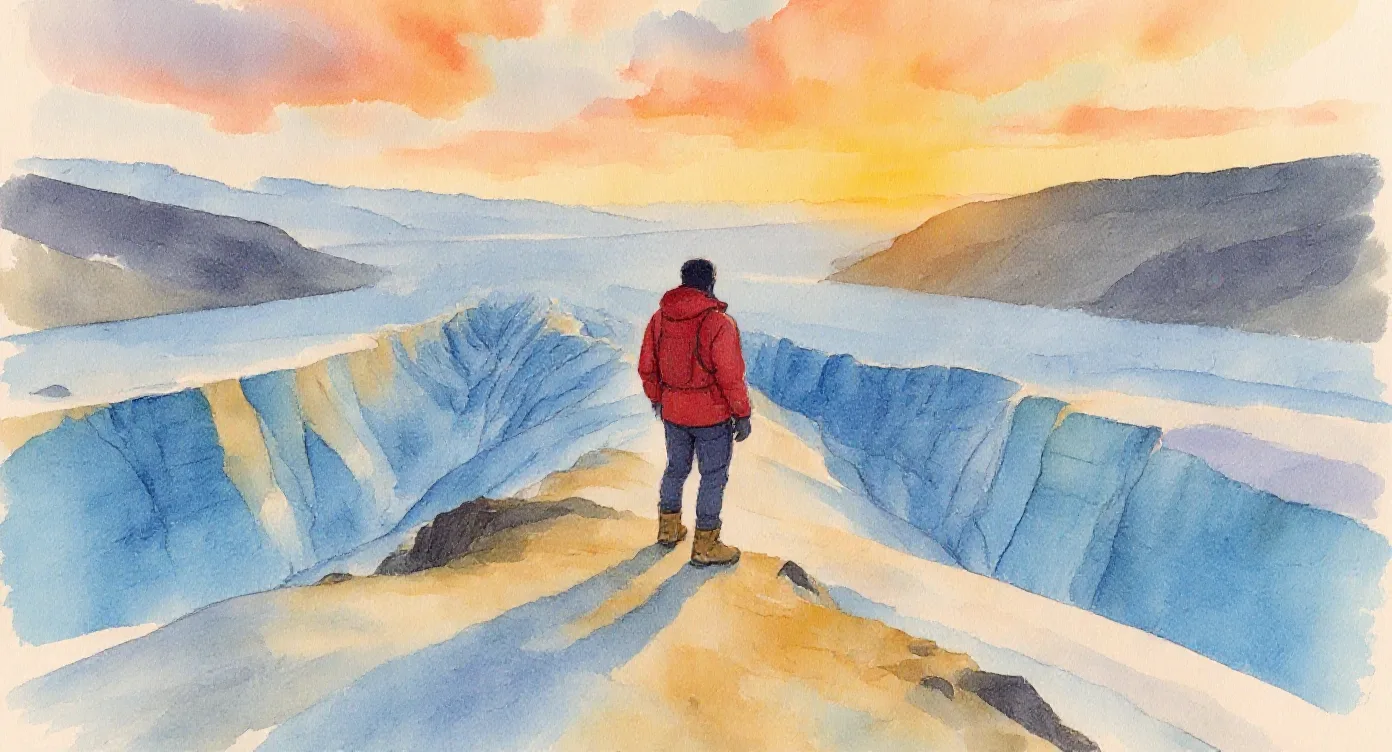
How to do it in Twistavo
- Open AI Studio, choose the image surface and a model from the table above.
- Upload your picture, or pick one from your library, and drop it into the image slot.
- Describe the one change you want, then what must stay the same.
- Check the credit quote, generate, and compare the result with the original.
- Keep the best version and edit it again for the next change.
Samples
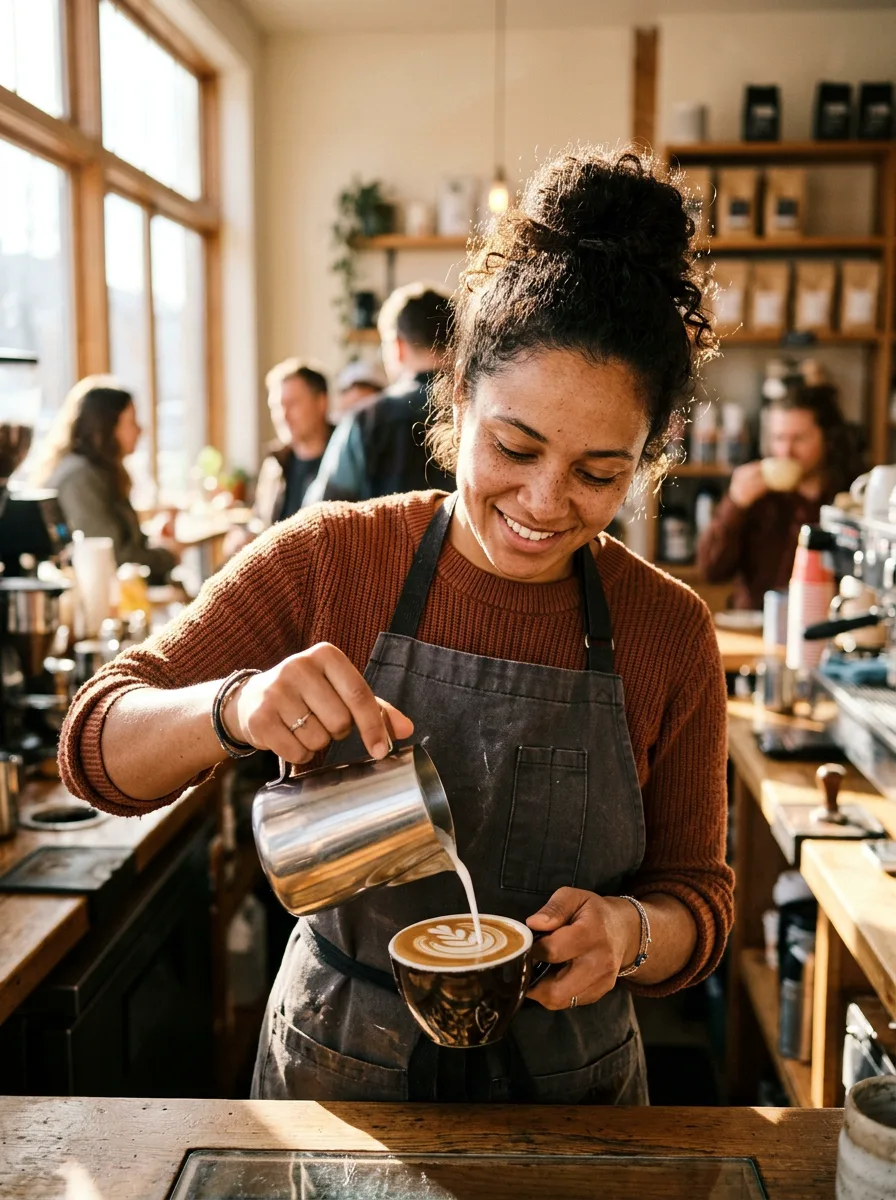

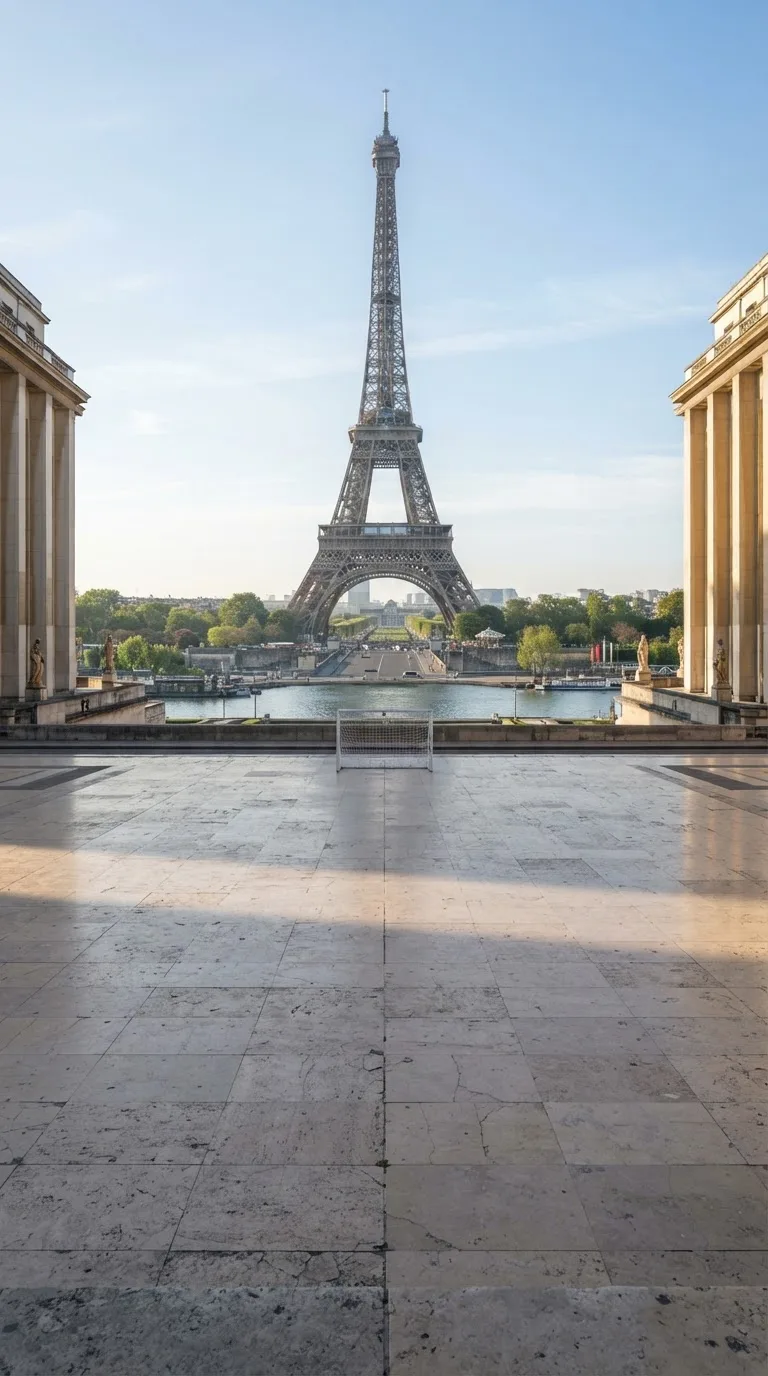
Models that can do it
| Model | Variants | Inputs | Length | Resolution | From (credits) | Open |
|---|---|---|---|---|---|---|
| Flux 2 | FLUX.2 | reference images | — | 1k, 2k | 9 | Try Flux 2 |
| Ideogram 4.5 | Ideogram 4.5 | reference images | — | 1k, 2k | 54 | Try Ideogram 4.5 |
| Grok Imagine | Grok Image | reference images | — | 1k, 2k | 9 | Try Grok Imagine |
| Nano Banana | Nano Banana 2, Nano Banana 2.1, Nano Banana 2 Lite, Nano Banana | reference images, source video | — | 1k, 2k, 4k | 9 | Try Nano Banana |
| Nano Banana Pro | Nano Banana Pro | reference images | — | 1k, 2k, 4k | 18 | Try Nano Banana Pro |
| Seedream 4.5 | Seedream 4.5 | reference images | — | — | 9 | Try Seedream 4.5 |
| Seedream 5.0 | Seedream 5.0 Pro, Seedream 5.0 Lite, Seedream 5.0 Flash | reference images | — | 1k, 1.5k, 2k | 5 | Try Seedream 5.0 |
| FLUX.1 Kontext | Flux Kontext | reference images | — | — | 13 | Try FLUX.1 Kontext |
| FLUX 3 Image | FLUX 3 Image | reference images | — | 768sq, 1k, 1.5k, 2k, 4k | 18 | Try FLUX 3 Image |
| GPT Image 2 | GPT Image 2, GPT Image 2.5 | reference images | — | 1k, 2k, 4k | 3 | Try GPT Image 2 |
Editing versus reference images
A reference steers a new picture: the model looks at it for colours, a subject or a style, then composes something else. An edit keeps the picture and changes a part of it. When the framing, the light and the objects must stay where they are, choose a model from the table above; when you only want a similar mood, any image model with a reference slot will do.
Write the change, then what stays
Start with one clear change: remove the sign on the left wall, turn the sky to dusk, make the jacket dark green. Then say what must not move: same framing, same light, same people and objects. Edits that ask for many changes at once drift more, so split a long list into several passes and keep the result you like before the next one.
Start from a clean picture
The edit can only keep what is in the source. A sharp, well-lit picture at a good size gives the model detail to preserve; a small or blurry one comes back softer. Crop the picture to the frame you want before you upload it, so the edit works on the part that matters.
Check every edit before you publish
Look at the whole picture, not only the part you changed: hands, text, edges and reflections are where edits most often slip. Use only pictures you have the right to change, never edit a real person to mislead, and label edited images where the platform or the context asks for it.
Questions
Which models can edit my picture?
The models in the table above, read from the composer's catalogue and from the documentation of each model, by its provider or by its maker. Image models for which neither documents editing of the picture they receive are left out, even when they accept reference images.
Can I remove an object from a photo?
Yes. Name the object and its place in the frame, and say what should fill the space, such as the wall or the sky behind it. Simple backgrounds give cleaner results than busy ones.
Why did the edit change more than I asked?
Models redraw the image, so small details can shift. Ask for one change at a time, list what must stay identical, and start from a larger, sharper picture.
Is editing priced like a new image?
Each edit is a run of the chosen model, and the composer shows its credit quote for your settings before you confirm, so you see the cost of every pass first.
Is it free?
1 free image after signup, no card (GPT Image 2.6, 1k). Videos need a plan. Plans from $3.99/month. Credits never expire and every generation is quoted before it starts.