
Use case
AI Product Photos
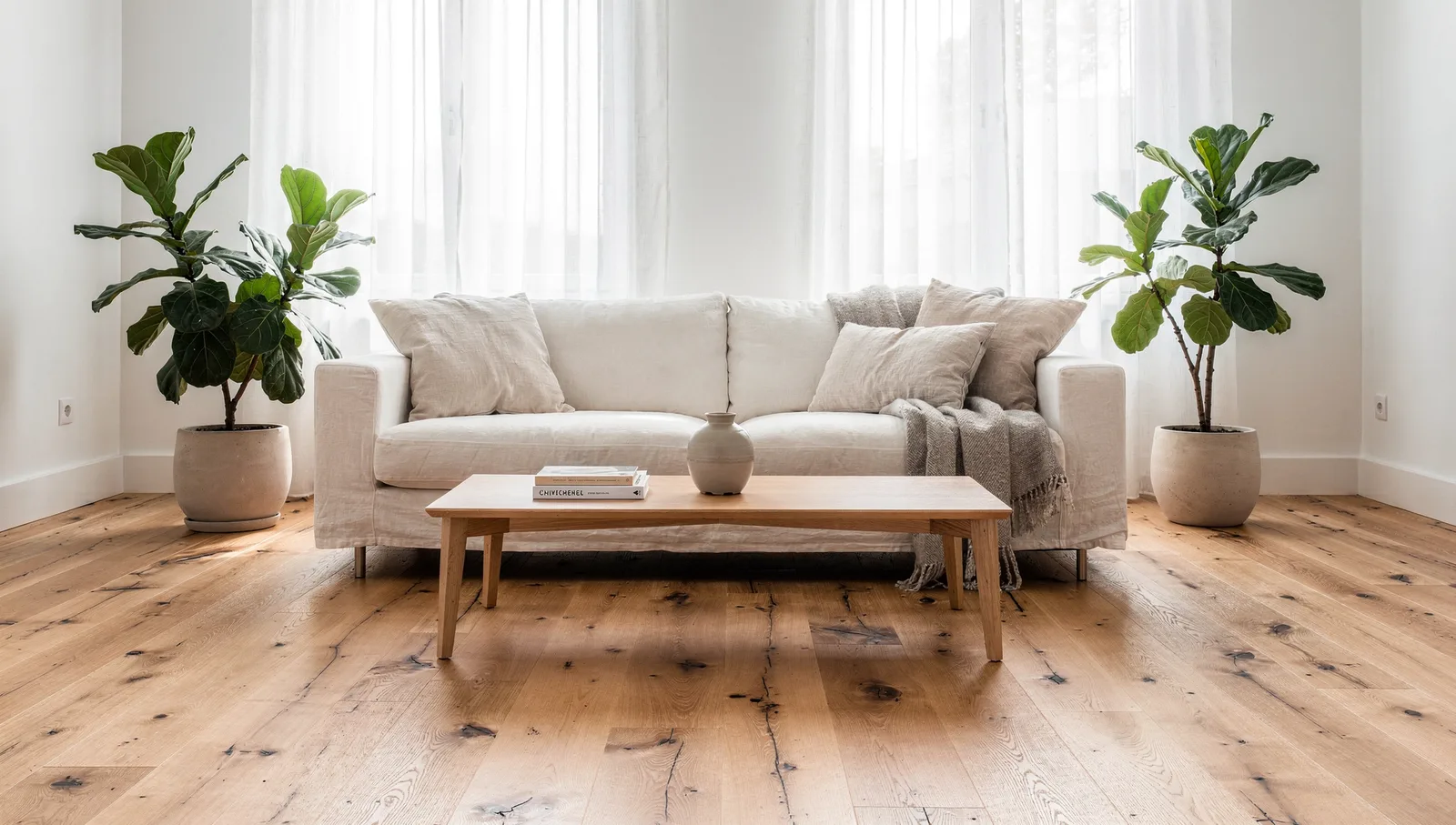
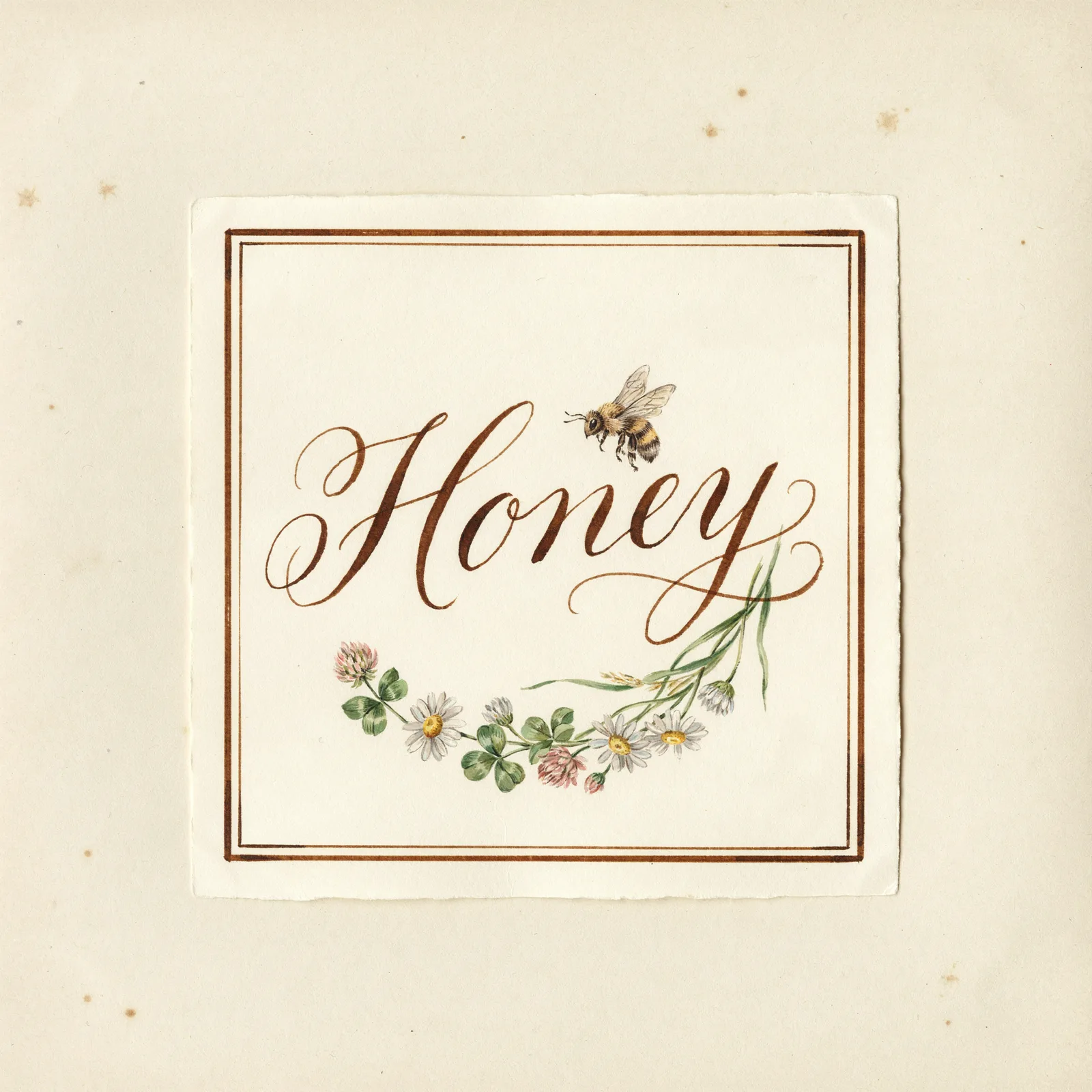
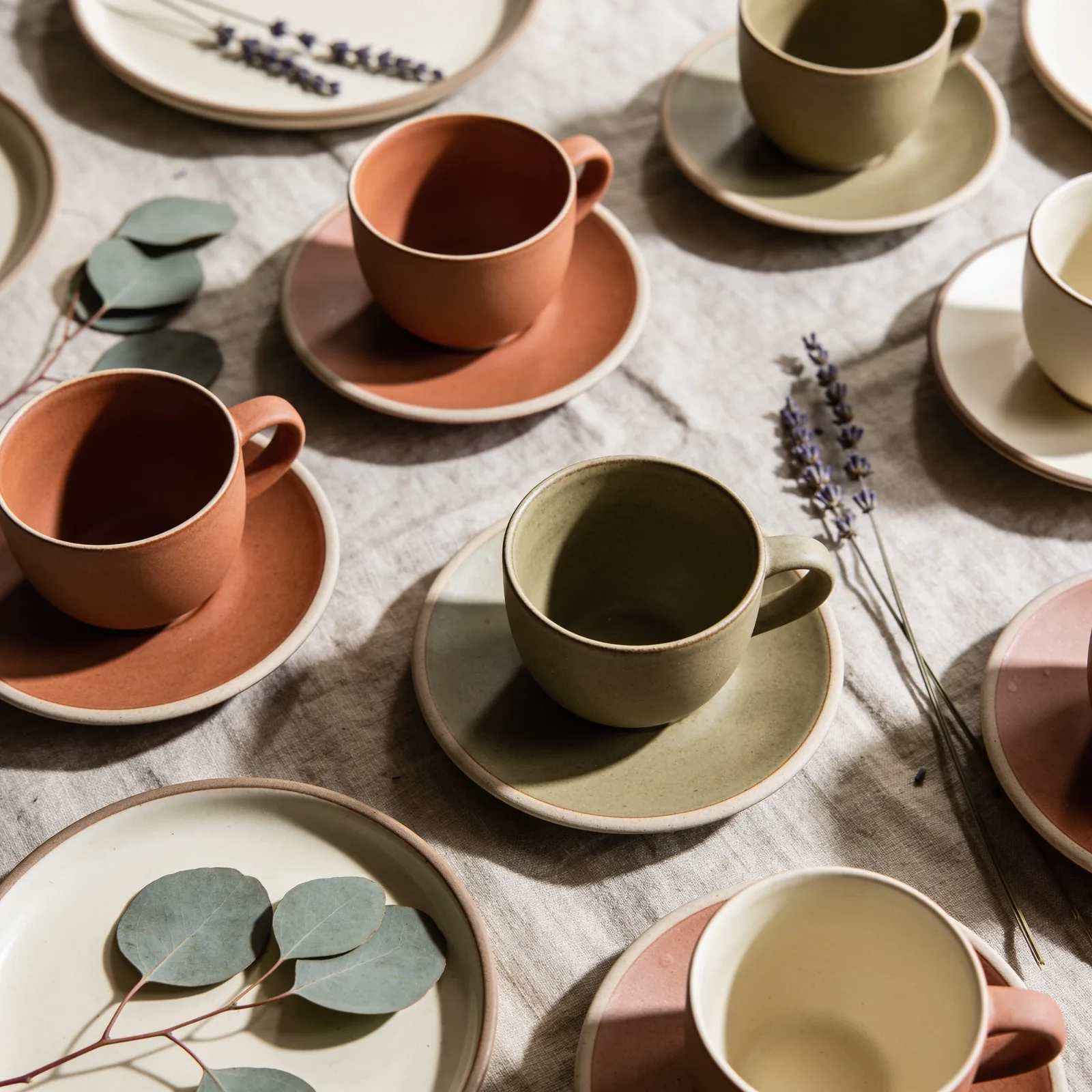
Twistavo is an AI video studio for character swap: replace a person in a real video from 1 to 4 photos; plans from $3.99/month. Product photography with AI ranges from clean packshots on a plain background to lifestyle scenes where the product sits in a kitchen, a bathroom or a backpack. Image models in Twistavo AI Studio can generate both, and the ones that accept reference images can follow your real product more closely. You choose the frame shape and the output size, see the credit quote and confirm. The results are drafts you can use for mood boards, ads tests, listings mock-ups or as start frames for a product video. Only 1 image is free after signup; videos need a paid plan.
Updated
How to do it in Twistavo
- Pick an image model in AI Studio; reference-capable models show an image slot.
- Add product photos as references when available.
- Describe the surface, background, light and angle, then pick frame shape and size.
- Review the quote, generate, and reuse the best image as a video start frame if needed.
Samples
Models that can do it
| Model | Variants | Inputs | Length | Resolution | From (credits) | Open |
|---|---|---|---|---|---|---|
| Flux 2 | FLUX.2 | reference images | — | 1k, 2k | 9 | Try Flux 2 |
| Ideogram 4.5 | Ideogram 4.5 | reference images | — | 1k, 2k | 54 | Try Ideogram 4.5 |
| Grok Imagine | Grok Imagine 2.0, Grok Image | reference images | — | 1k, 2k | 9 | Try Grok Imagine |
| Recraft 4.1 | Recraft 4.1 | Prompt only | — | 1k | 11 | Try Recraft 4.1 |
| Nano Banana | Nano Banana 2, Nano Banana 2.1, Nano Banana 2 Lite, Nano Banana | reference images, source video | — | 1k, 2k, 4k | 9 | Try Nano Banana |
| Nano Banana Pro | Nano Banana Pro | reference images | — | 1k, 2k, 4k | 18 | Try Nano Banana Pro |
| Seedream 4.5 | Seedream 4.5 | reference images | — | — | 9 | Try Seedream 4.5 |
| Seedream 5.0 | Seedream 5.0 Pro, Seedream 5.0 Lite, Seedream 5.0 Flash | reference images | — | 1k, 1.5k, 2k | 5 | Try Seedream 5.0 |
| FLUX.1 Kontext | Flux Kontext | reference images | — | — | 13 | Try FLUX.1 Kontext |
| FLUX 3 Image | FLUX 3 Image | reference images | — | 768sq, 1k, 1.5k, 2k, 4k | 18 | Try FLUX 3 Image |
| GPT Image 2 | GPT Image 2, GPT Image 2.5 | reference images | — | 1k, 2k, 4k | 3 | Try GPT Image 2 |
Packshots
For a packshot, describe the surface, the background colour, the light setup and the camera angle: a matte bottle on seamless warm grey paper, softbox from the left, three-quarter view. Ask for one product at a time and keep the background simple so the edges stay clean for later cut-outs.
Lifestyle scenes
Lifestyle images sell context. Name the room, the time of day and a few props that tell the story, then place the product where a real customer would use it. Keep people fictional and secondary to the product, and avoid brand names or logos that are not yours.
Staying close to the real product
References help but do not guarantee an identical copy. Upload clean photos from several angles when the model accepts several references, describe materials and colours precisely, and check every result before publishing it as a depiction of the real item.
Questions
Can I use the images in a shop listing?
Only if they represent the product honestly. Generated scenes are best for mood and context; use real photos where buyers rely on exact details.
Which size should I export?
Draft at a small size, then rerun the keeper at the largest size the model offers. Larger sizes cost more credits, as the quote shows.
Can I get a transparent background?
Generate on a plain, evenly lit background in a colour that contrasts with the product, then remove it in an image editor. Clean edges come from simple lighting and a single object.
Is it free?
1 free image after signup, no card (GPT Image 2.6, 1k). Videos need a plan. Plans from $3.99/month. Credits never expire and every generation is quoted before it starts.